You have a stack of invoices on your desk, a contract to send by email, and handwritten notes to archive. You place everything on the scanner glass, launch the default software, and the result is blurry, poorly framed, or impossible to search by keyword. The problem rarely lies with the hardware. It is the scanning software that determines the quality of the final file, its readability, and its usability.
Test OCR on your own documents before buying
Optical character recognition (OCR) is the function that transforms a scanned image into usable text. All vendors boast high recognition rates, but these figures are obtained from clean, well-contrasted documents printed in standard fonts.
Your actual documents are different. They contain stamps, signatures, tables, and sometimes handwritten annotations. OCR performance varies greatly depending on the actual layout of your files. Software that performs well on a printed invoice may fail on a form filled out by hand.
To properly evaluate a tool, create a representative test batch: an invoice with a table, a stamped letter, a double-sided page, a document in small font. Start the scanning process and check three specific points.
- Does the recognized text respect the reading order of the original document, including in columns and boxes?
- Do the tables retain their structure, with the correct values in the right cells?
- Are accented characters and numbers (0/O, 1/l) correctly distinguished?
If you are looking for optimal scanning software, this test on real documents remains the best filter. A ten-minute trial on your own files teaches you more than a technical sheet.
Structured extraction and automatic classification of scanned documents
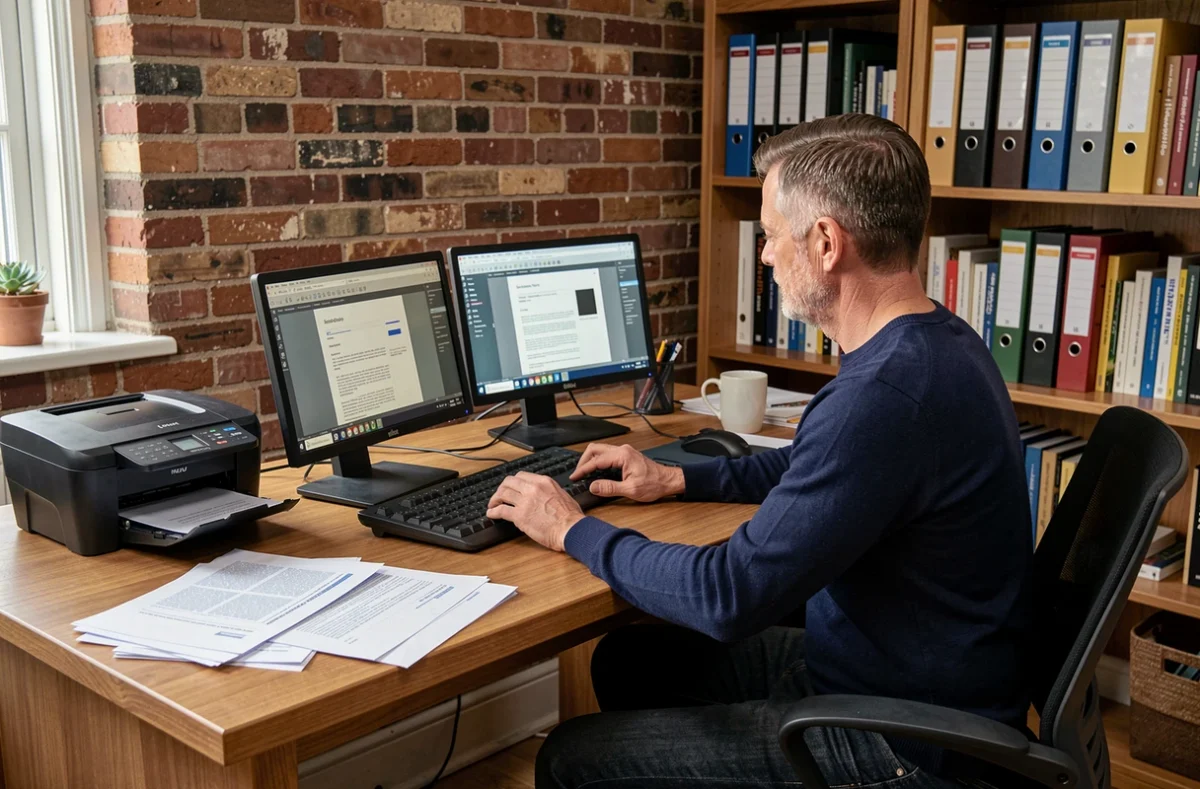
Scanning is no longer just about producing a PDF. Recent software goes beyond simple text recognition. They automatically classify the document (invoice, contract, purchase order) and extract useful fields: amount, date, reference number, supplier name.
This evolution changes the way we work. Instead of manually naming each file and filing it in the correct folder, the software assigns a type and fills in the metadata for you. The time savings are particularly noticeable for accounting or legal departments that handle large volumes.
Confidence scores and human validation
The most advanced tools associate a confidence score with each extracted field. When the software is uncertain about an amount or a date, it flags the uncertainty and directs the document to an operator for verification. This mechanism avoids silent errors, those that slip into a database unnoticed.
A good scanning software manages its own limits by requesting validation when necessary, rather than forcing an approximate answer.
Cloud or local processing: a compliance choice for your documents
Are you scanning pay slips, medical records, or confidential contracts? The question of where data processing occurs then becomes a full selection criterion.
Cloud software sends your documents to remote servers to apply OCR and extraction. This is often faster, but you need to know where these servers are located, who has access to the files, and how long they remain there. For sensitive documents, check the audit rights and server location before confirming a subscription.
Locally installed software processes everything on your workstation or internal network. No data leaves your infrastructure. The trade-off: OCR model updates are less frequent, and processing power depends on your hardware.
Data reversibility
Another point that few users anticipate: the ability to change providers. If you store thousands of documents in a proprietary cloud system, can you easily export them? Do the metadata, indexing, and classifications follow during migration? Reversibility is as crucial a criterion as the monthly price.
Scanner compatibility and output format: the concrete criteria
A scanning software must work with your existing hardware. Some tools only support scanners from a specific brand, while others rely on universal drivers (TWAIN, WIA) compatible with most scanners and multifunction printers on the market.
Before installing anything, check that your scanner is on the compatibility list. High-performing software that cannot control your device is useless.
- The PDF/A format is recommended for long-term archiving, as it ensures that the file will remain readable in ten or twenty years, regardless of the software used to open it.
- The searchable PDF format combines the document image and the OCR text layer, allowing keyword searches without altering the appearance of the original file.
- Image formats (TIFF, JPEG) remain useful for photos or plans, but they do not allow text searching without additional OCR processing.
The choice of output format determines the future use of the document. Regulatory archiving has different requirements than a simple email send.
Double-sided scanning and batch processing
For large volumes, automatic double-sided management and batch processing save considerable time. Some software detects blank pages and removes them, reorganizes pages, and applies different scanning profiles based on the type of document detected.
These functions may seem secondary at the time of purchase. They quickly become crucial when you are scanning several hundred pages per week.
The scanning software you choose shapes the entire downstream document chain: searching, filing, archiving, sharing. A tool poorly suited to your actual documents produces unusable files, regardless of the price of the scanner on your desk. Test before you buy, on your own documents, with your own format and confidentiality constraints.